
[Codevel Project] – Time to get started. First up: the database
I. Why Data Matters
In any application, data is critical—especially in a dynamic web app where content changes frequently.
For a static website, you only need prewritten HTML files rendered at predefined URLs, so there’s no real need for a database.
Codevel.io, however, is a platform I built for sharing information and publishing articles. Posts are accessible via URLs that include a slug (a URL-friendly string derived from the title—for example, Hello World becomes hello-world).
Defining the data model for a website is extremely important. It shapes:
-
The information delivered to users
-
The features you can build
-
The site’s overall workflow
By the time I wrote this, I already had the basic structure in mind. Early versions had extras and missing pieces—I gradually refined the schema as I coded. =)))
II. Main Tables and Key Attributes
1. User
-
Username/Password→ login credentials -
Email→ password recovery -
Role→ access control (on my site: just ADMIN and USER)
2. Post
-
Title -
Description -
Content -
Cover(cover image) -
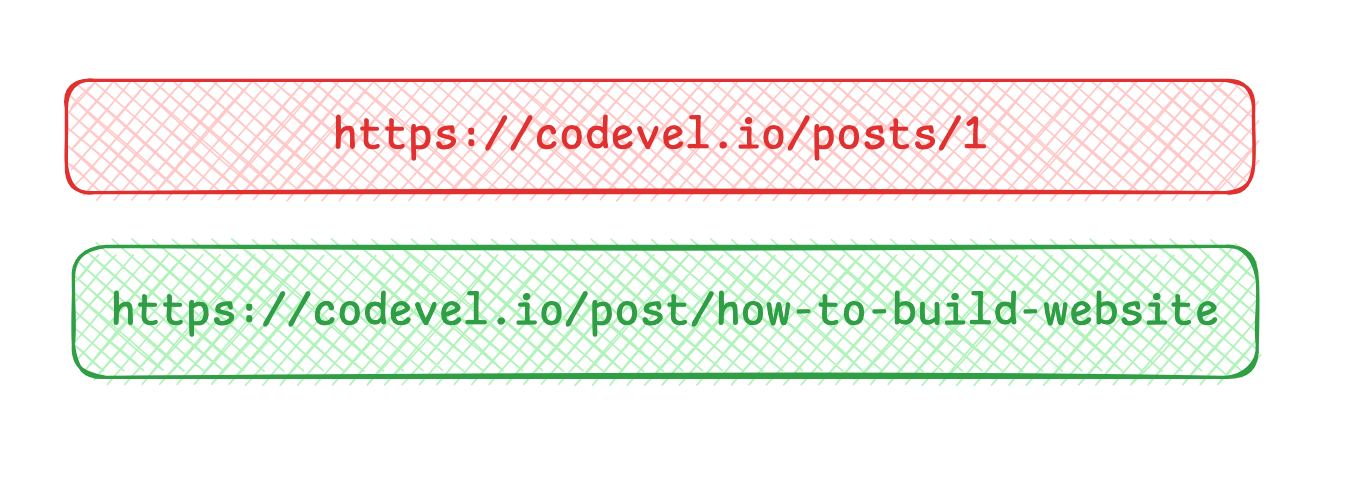
Slug→ clean URL generated from the title
I don’t use numeric IDs in the URL. Instead, slugs make the URL more meaningful and user-friendly.
Example:
3. Category and Hashtag
-
Category NameorHashtag Name -
SlugorCodefor navigation (e.g.,https://codevel.io/category/category-1) -
Optional description
Relationships:
-
A post → one category (1:N)
-
A post → many hashtags, a hashtag → many posts (N:M)
4. LinkedPost / Series
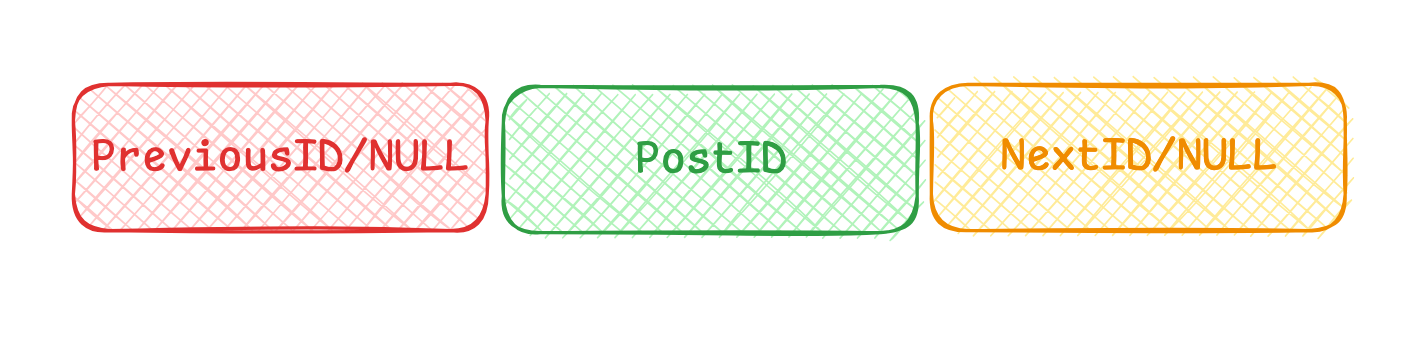
At first, I created a LinkedPost table to store previous/next post references. This helps when posts belong to the same series (like the Codevel Project series).
However, I realized this approach isn’t ideal.
My plan now is to create a Series table to store posts by topic and their order—so users can view all posts in a series, not just navigate via “Next/Previous.”
5. Token
Handles login sessions:
-
token -
username
I allow multiple devices and browsers, so a single username can have multiple tokens at once.
III. Wrap-Up
For now, these are the core tables for Codevel.io. As I keep coding, I may add more intermediate tables, but the ones above form the backbone.
I’ll stop here for this article. If you have suggestions, feel free to reach out—your feedback might inspire a future post in this series. =))) I really want to share the tricky parts I’ve faced while coding.